
Rosewood Bakery: A Team of Three
This is the simplest team setup: three people, one cabinet and three categories. You set up everything by hand, without the setup wizard, so you see every piece and how the pieces fit together.
This use case introduces the basic ideas of document management and shows how Papermerge puts them into practice to solve everyday problems.
To follow along, create a workspace and download the sample documents.
The Bakery
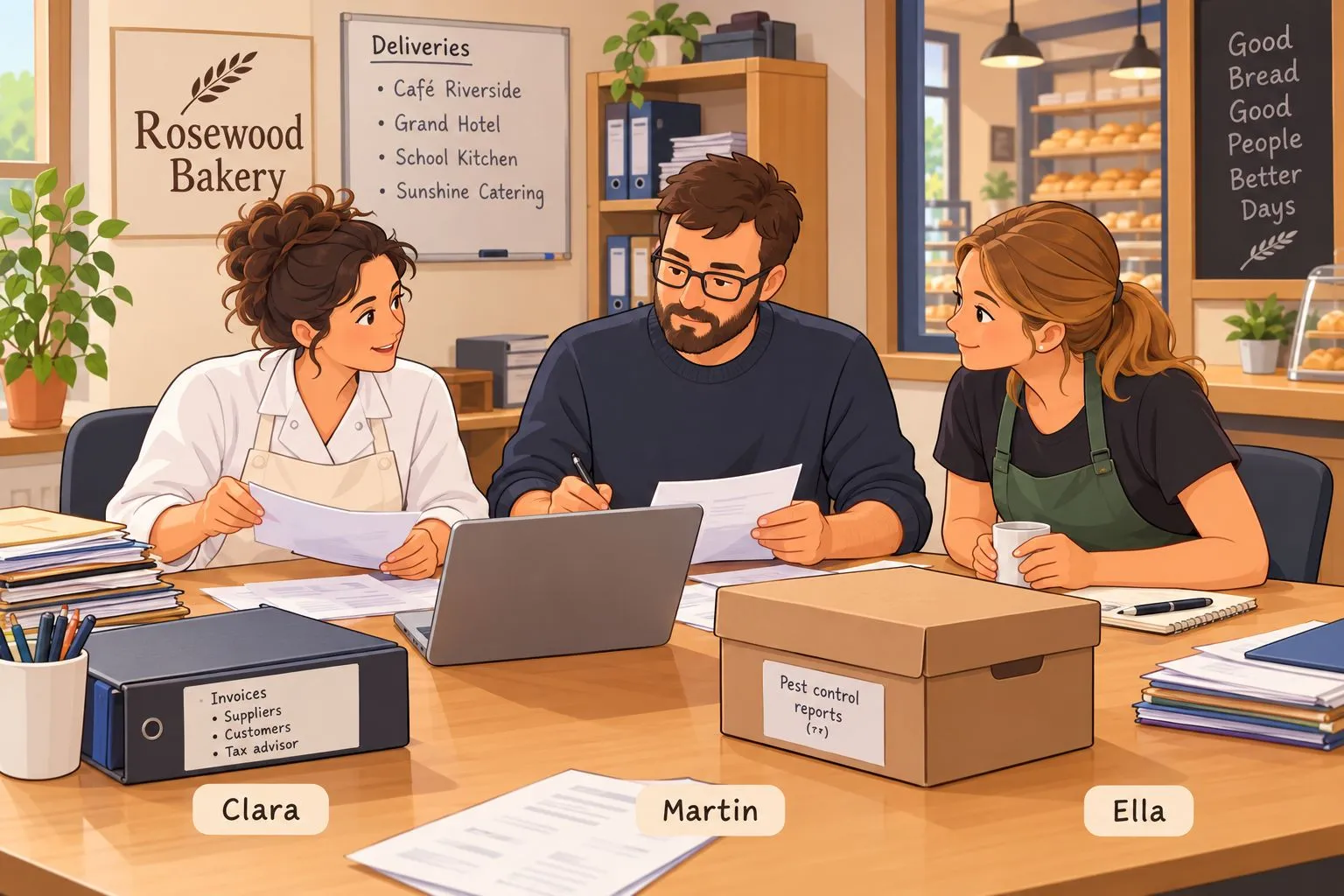
Section titled “The Bakery”Rosewood Bakery is a small bakery with a shop. Besides walk-in customers, it delivers bread and pastries to a café, a hotel, a school kitchen and a caterer. Three people work there:
| Person | Job | Role in Papermerge |
|---|---|---|
| Clara | Owner and head baker | admin |
| Martin | Office, part time: invoices and bookkeeping | user |
| Ella | Shop manager: takes deliveries, keeps the hygiene logs | user |
Pages of This Use Case
Section titled “Pages of This Use Case”- The Problem: where the bakery’s paperwork is today, and what the team wants.
- The Plan: three categories, one cabinet, and what each category records.
- Setup: users, group, cabinet, retention periods, metadata and categories, step by step.
- Filing Documents: upload a document, choose its category, and let Papermerge file it.
- Finding Documents: search by category, metadata and text.
- Year-End Clean-Up: approve the deletion of documents whose retention period has ended.
- The Result: what changed for the team, before and after Papermerge.