Upload
Papermerge supports uploading documents via the web UI, email and the REST API.
Web UI
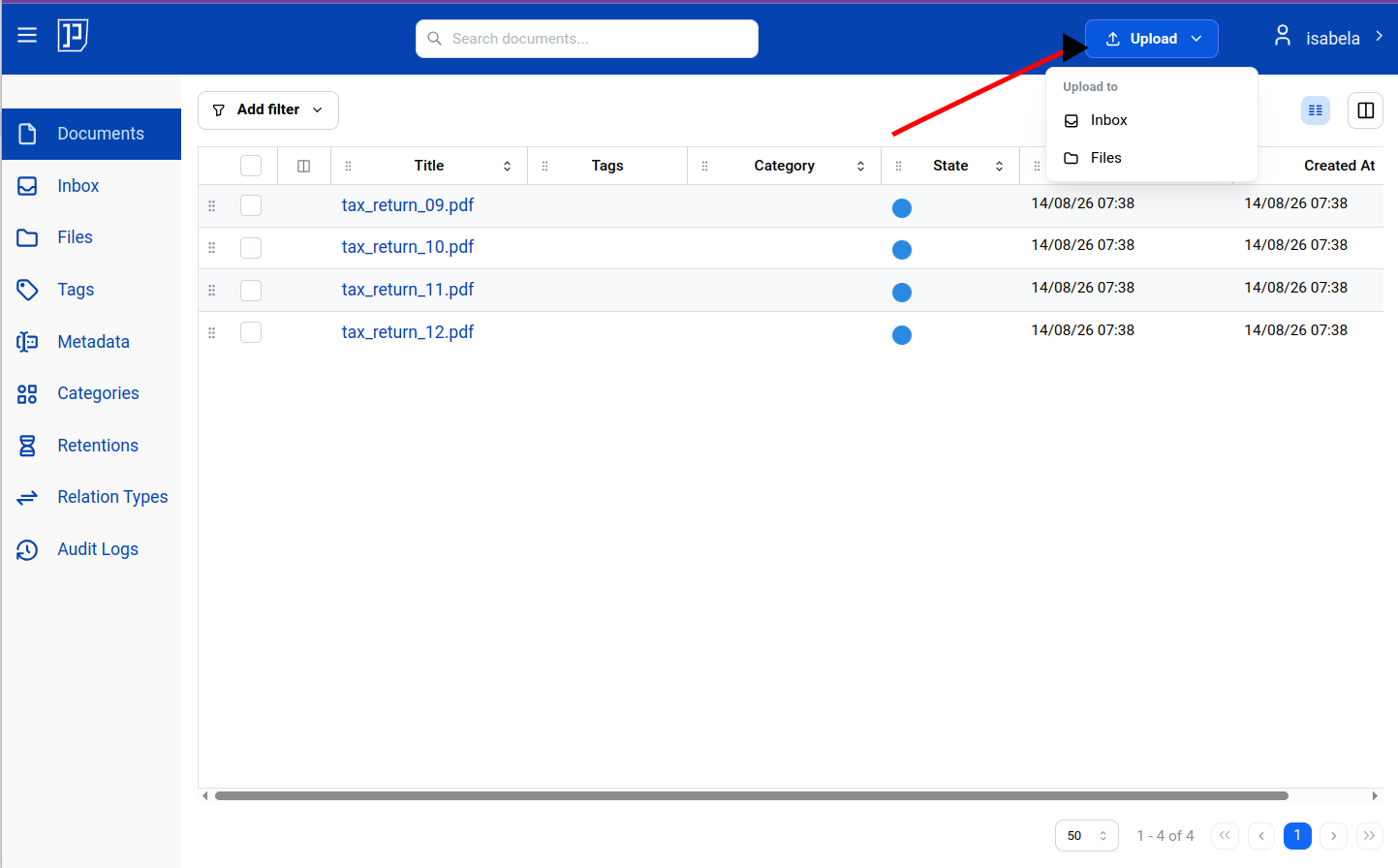
Section titled “Web UI”The easiest way to upload documents is via the Upload button in the upper-right corner of the screen:
You can also drag and drop files directly from your file explorer into the Documents view instead of using the Upload button:
Or you can drag and drop directly onto a specific location, such as a folder
in your Inbox or Files:
You can also upload documents by sending them by email. Each user can create
one or more inbound email addresses (for example
[email protected]). Each email sent to such an address,
and each of its attachments, becomes a separate document in your Inbox.
Papermerge keeps the originals.
See Inbound Email for setup and options.
REST API
Section titled “REST API”Another way to upload files is via the REST API. To do that, first generate an
API token. With the token in hand, you can
use any REST API client — for example curl — to upload documents using the
POST /api/documents/upload endpoint.
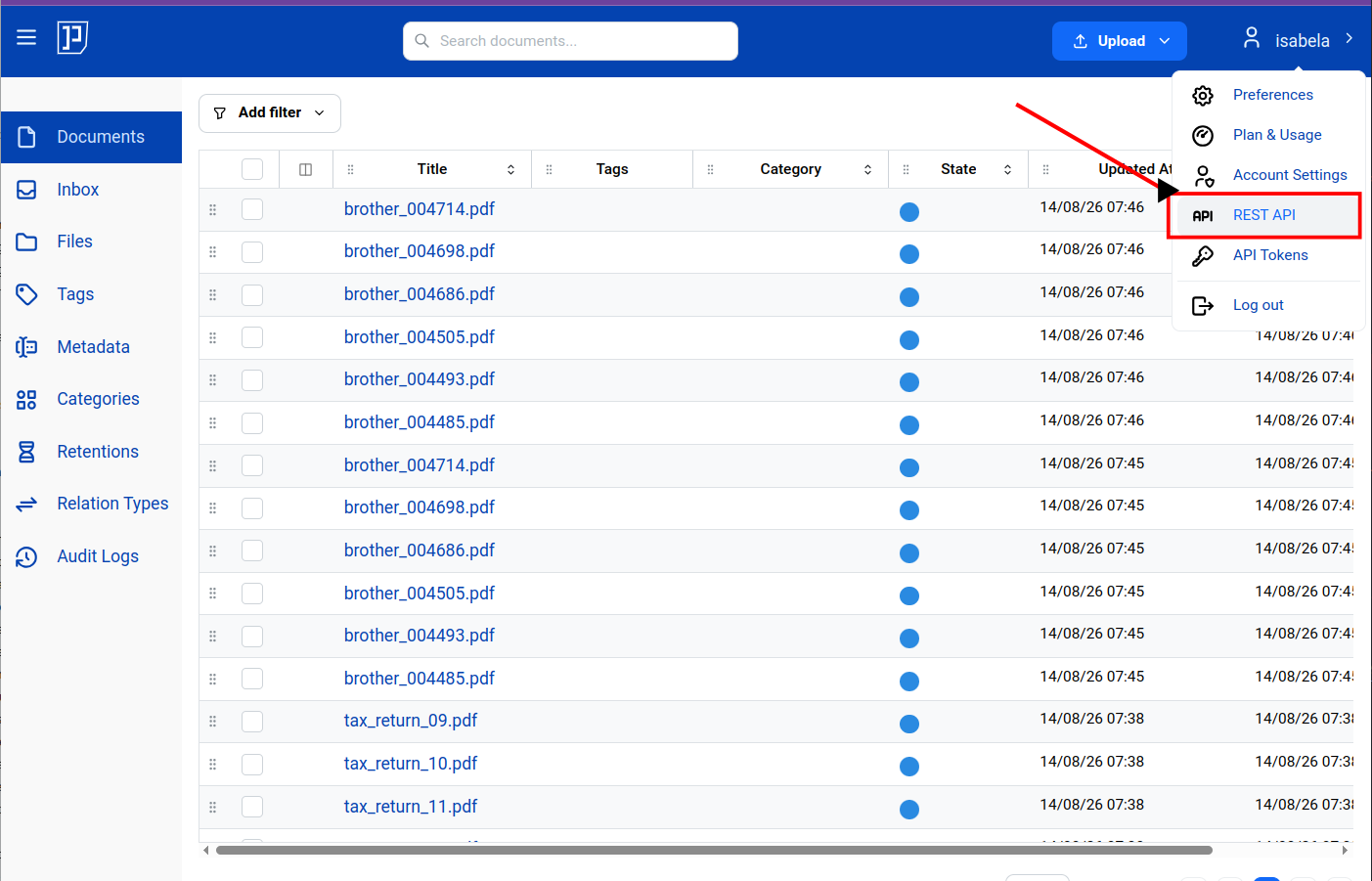
You can find documentation for these REST API endpoints in the user menu, in the upper-right corner of the screen: