
The Result
Clara, Martin and Ella spent about 30 minutes planning and setting up Papermerge. Here is what changed for them.
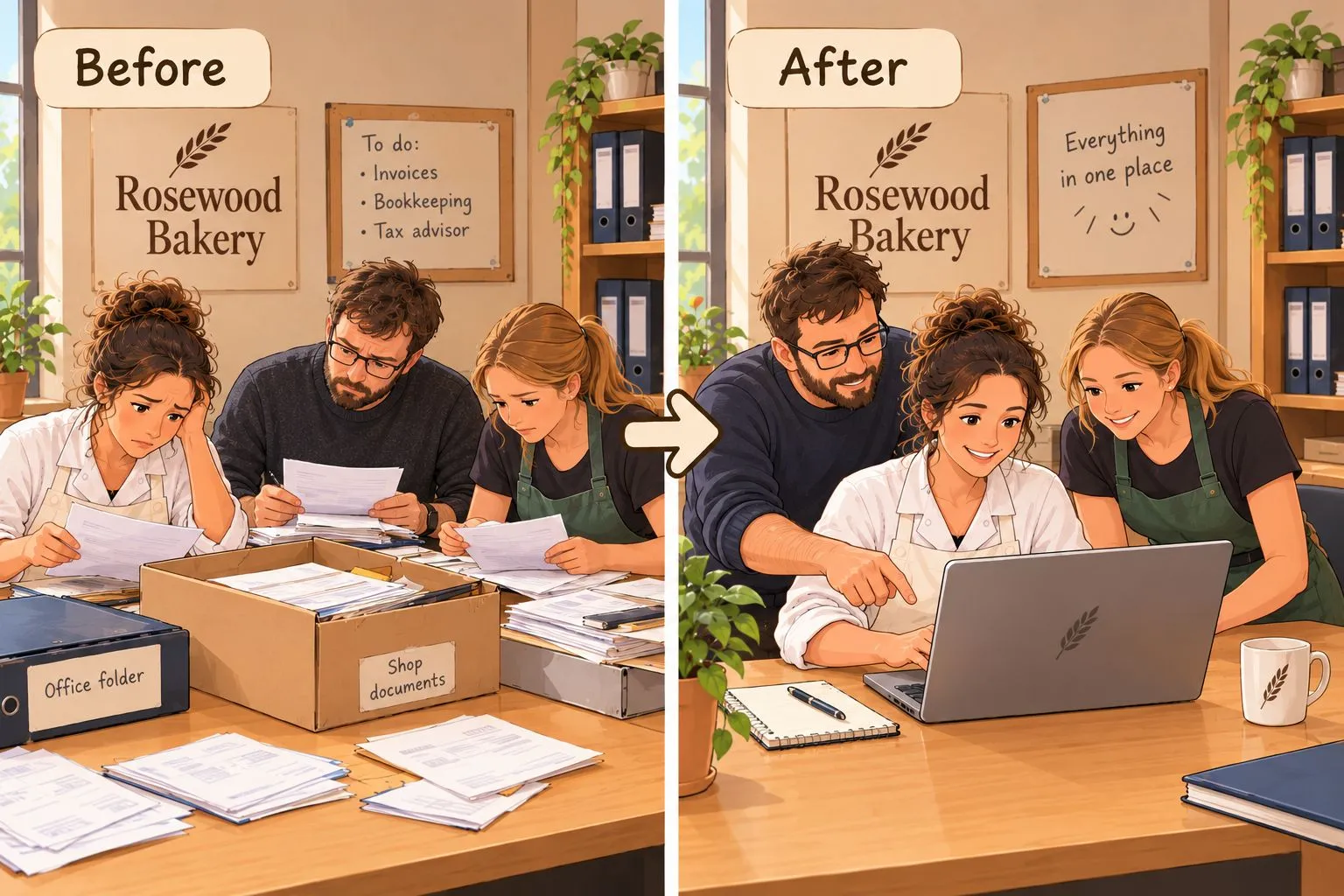
Before and After
Section titled “Before and After”| Before | After | |
|---|---|---|
| Where documents are | In three places: the office folder, Clara’s email inbox and a shoebox under the shop counter | In one digital cabinet that all three can reach |
| Filing a document | Whoever has it puts it somewhere | Upload it and choose its category; Papermerge files it in the right place with right configuration |
| Finding documents | Searching through folders and the shoebox: 40 minutes on average | Filtering by category and metadata: 3 minutes at most |
| Invoices for the tax advisor | Martin collects them by hand and always misses a few | One filter by category and invoice date gives the complete list |
| The inspector’s visit | Nobody is sure where the latest pest control report is | Filter by Checked By, sort by Record Date |
| Keeping and discarding | Nobody knows what may be thrown away, or when | Papermerge knows when each document expires; Clara approves deletions once a year |
| Changes to documents | A page can get lost or swapped without anyone noticing | Archived documents can’t be changed, and the audit trail records who did what |
What the Team Didn’t Have to Do
Section titled “What the Team Didn’t Have to Do”- Design a folder structure. Each category’s target folder creates it.
- Agree on file names. Metadata, not file names, makes a document easy to find.
- Track deadlines. Retention periods calculate when each document may go.
What’s Next
Section titled “What’s Next”The setup grows with the bakery:
- Forward documents by email. Invoices that arrive by email can go straight to Papermerge with Inbound Email, without downloading and uploading them.
- Add categories. Delivery notes, for example, can reuse the existing metadata fields, such as Supplier and Total Amount.
- Keep some documents private. Employment contracts, for example, could go into a second cabinet that only Clara can see. See Cabinets.
Back to the Rosewood Bakery overview.